
Nobody joins a connectFIRST team by finding it themselves — a coach invites every person by email. This page covers the Onboarding screen, which you'll see right after claiming your team.
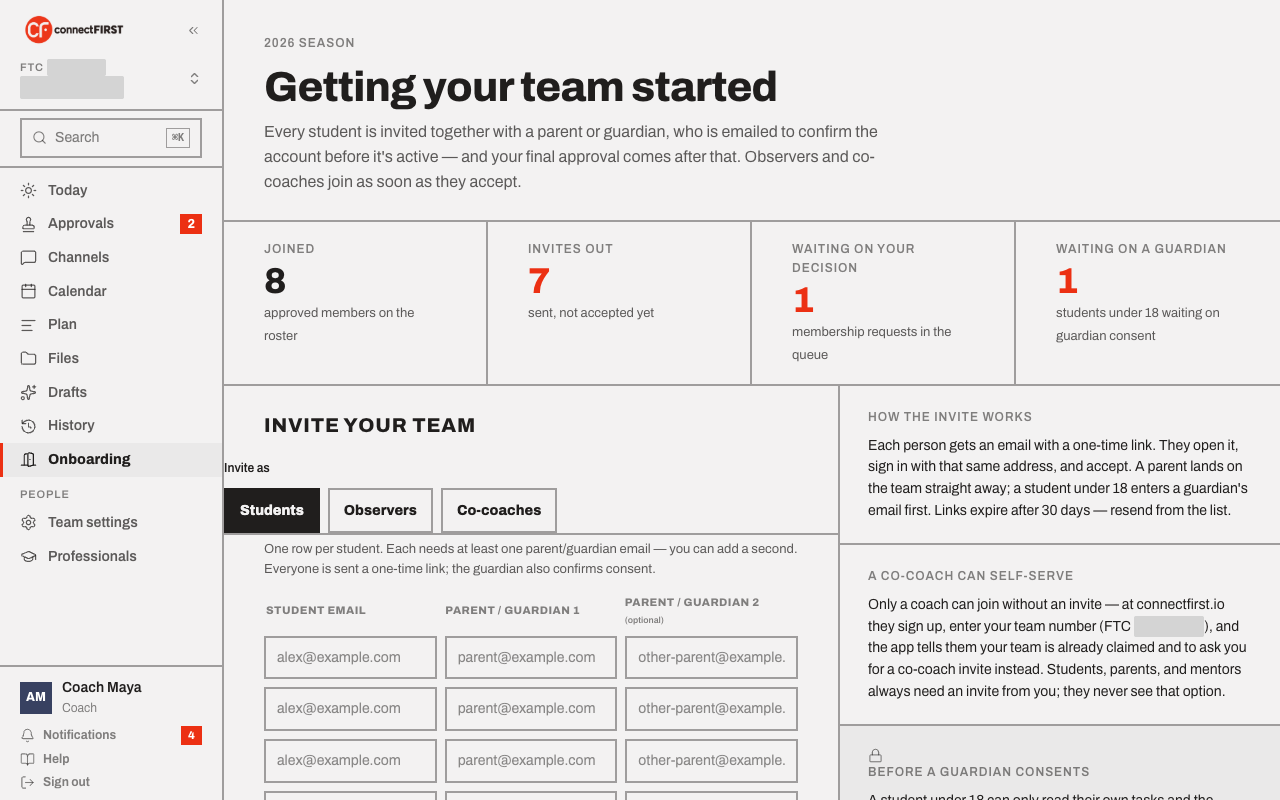
Students always come with a guardian
Every student is invited together with at least one parent or guardian — connectFIRST won't let a student join alone. Pick the Students tab, then for each student enter their email and one or two guardian emails:
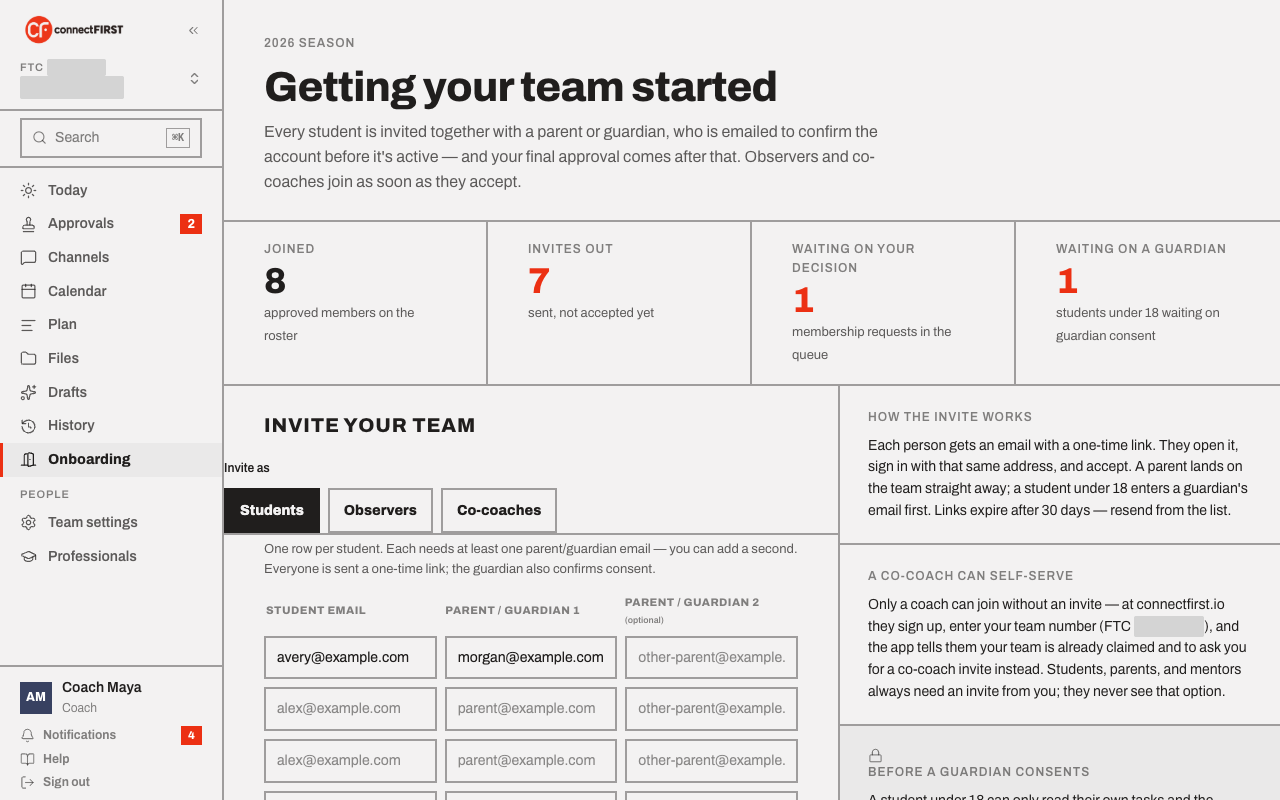
When you send it, the student and each guardian each get one email with a link:
- The student's link signs them in — no password, no second email — they agree to the Terms and Privacy Policy, and they're on the team pending a guardian's OK and yours.
- The guardian's link does the same, and accepting it is also the consent for that student. The guardian sees exactly what the student will be able to do, plus an optional checkbox to allow the guided assistant. There is no separate "give consent" email to chase.
- It doesn't matter who clicks first. If the student accepts before the guardian, they wait on the guardian step; the moment the guardian accepts, that step clears. If the guardian accepts first, the student clears it the instant they accept. Either way, your approval still comes after.
- A guardian who is already on the team isn't sent a second invite — they're linked to this student, and when the student accepts, that guardian is emailed a consent link for the new student.
Your approval, as coach, is the last step — after a guardian has consented, the student shows up in Approvals.
Everyone else
Switch the tab to invite differently:
- Observers — parents, or anyone else who should follow the team
without a student attached. They see every channel but only post in
#families. - Co-coaches — full access, same as you. There's no limit on how many co-coaches a team can have.
An observer or co-coach joins the same way a family does: one email, one link that signs them in, agree to the Terms, done.
Mentors aren't invited here — they go through Professionals, since a mentor's access is scoped to specific work rather than the whole team.
A coach can also self-serve
Nobody except a coach can join without an invite. If a co-coach wants to set themselves up before you get to it, they can go through Claim your team themselves — connectFIRST will recognize your team already exists and tell them to ask you for a co-coach invite instead of letting them take it over.
Tracking who's still pending
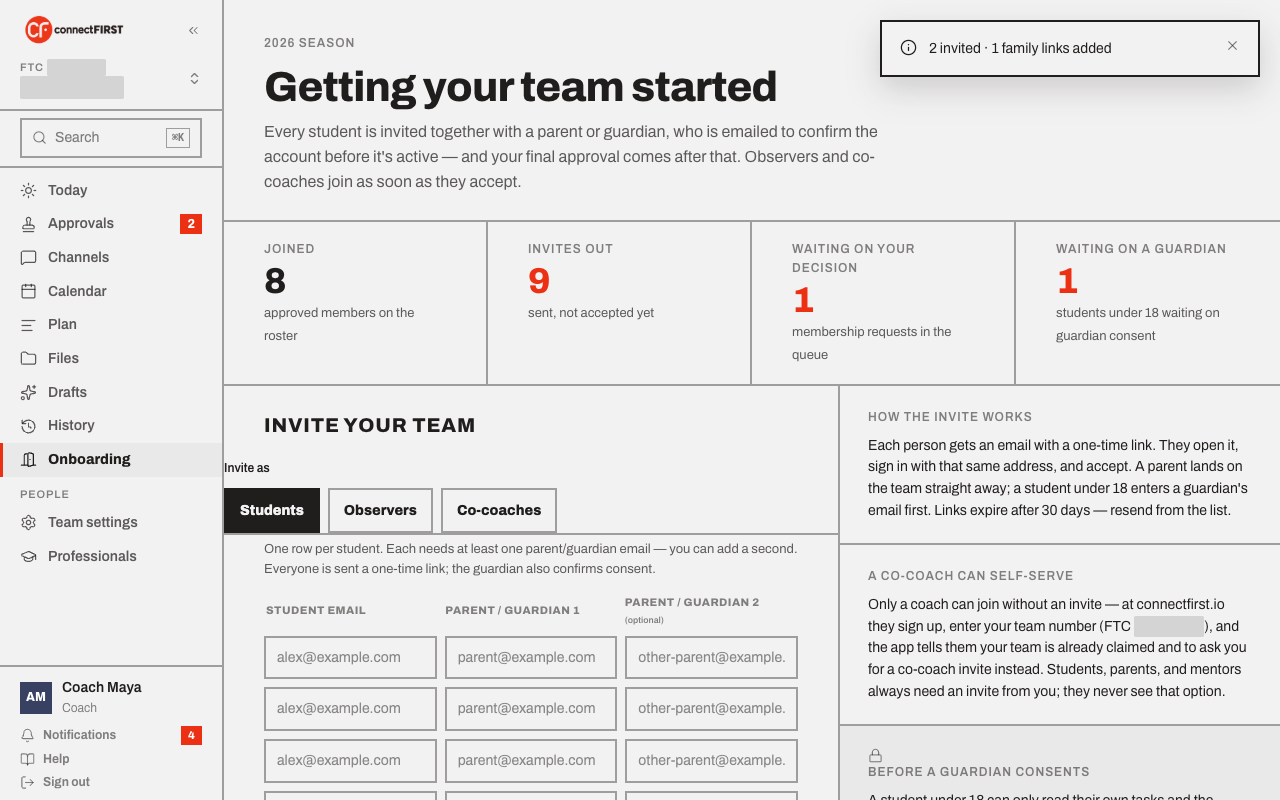
The stat row at the top of Onboarding always shows where things stand: how many people have joined, how many invites are still unanswered, how many membership requests are waiting on your decision, and how many students are waiting on a guardian. Anyone still pending shows up in Still waiting, further down the page, with a resend link if their invite has gone quiet.
If a student is stuck "waiting on a guardian", it almost always means the guardian hasn't opened their own invitation yet — that's the one link that confirms consent. Resending it, or asking the family to check spam, is usually all it takes.