
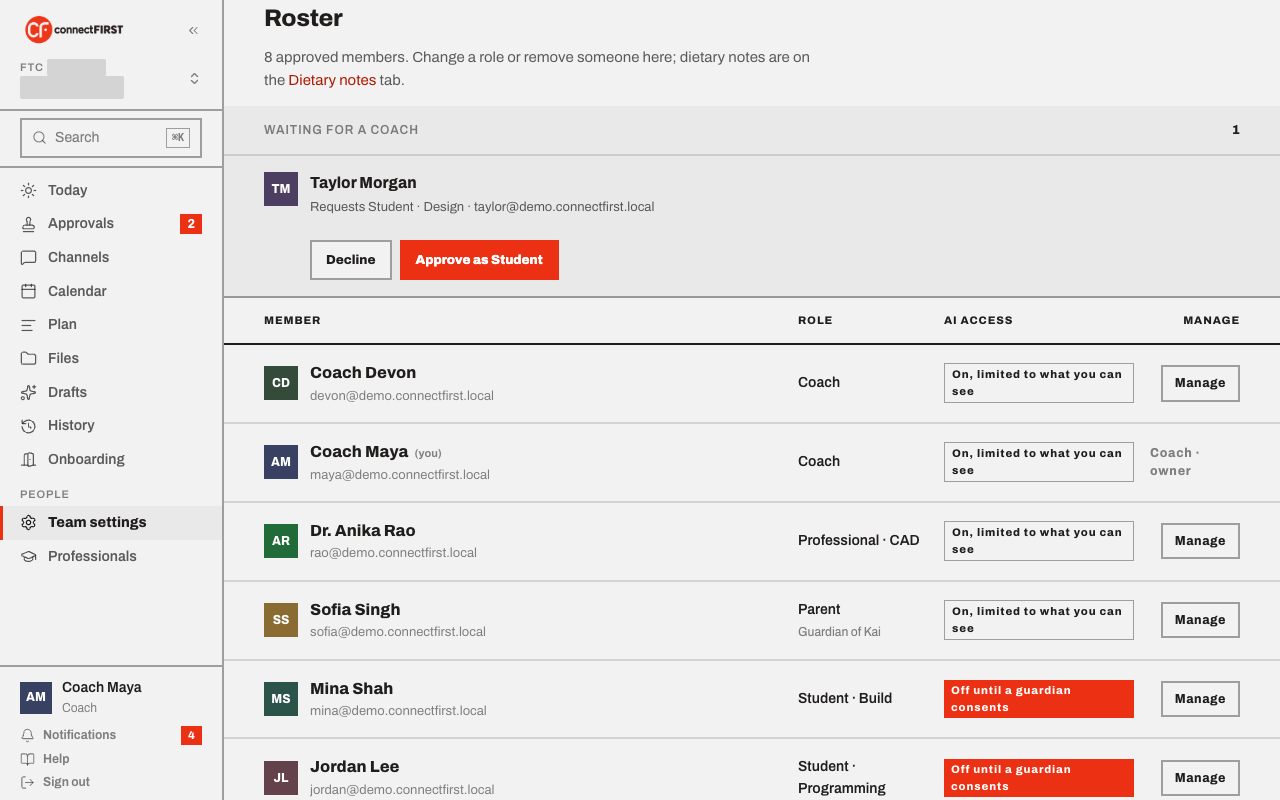
Team & access is the roster — who's on the team, what role they hold, and what their AI access looks like.
Who sees this screen
Students, parents, and mentors have this Team screen in the rail. A
coach doesn't — a coach manages the same roster from the Team tab
of Team settings, so everything about the team
stays in one place. If you're a coach and follow an old /team link,
it takes you there.
How much of the roster you see depends on your role: a student sees the full roster; a parent or mentor sees a narrower view. Your coaches, on the right, is the same for everyone — a direct way to reach a coach by email, since connectFIRST has no private messaging.
Guardians
A student's roster row shows who their guardian is; a guardian's row shows which student they're the guardian of. That link is set the moment a family is invited — see Invite your team.
Changing the roster
Role changes, co-coach promotions, removing someone, and approving join requests are all a coach's job, done from Team settings → Team. A student's dietary note lives on the Dietary notes tab there.